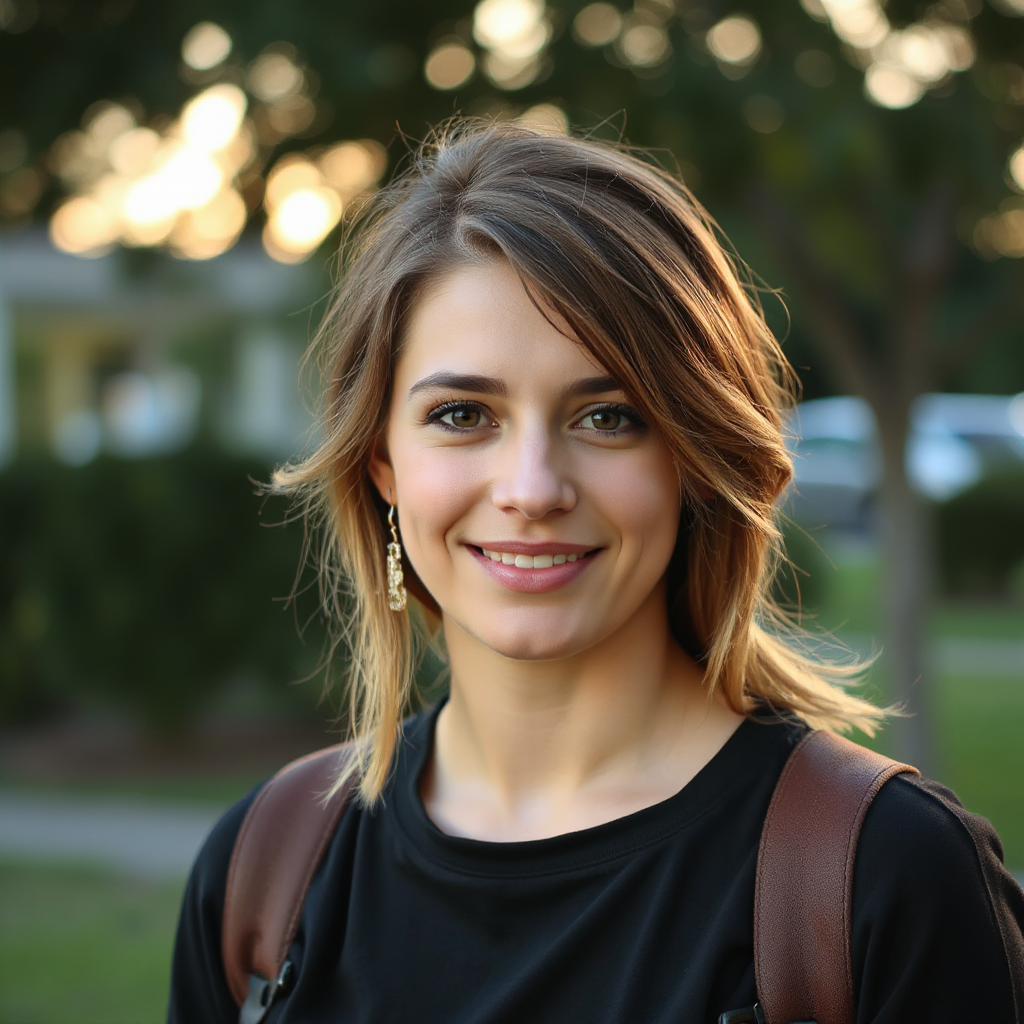
AI LinkedIn headshot
generator
Stand out to recruiters with a crisp, trustworthy profile picture. Describe how you want to look—we balance formal wardrobe cues, calm backgrounds, and flattering light so your photo reads confident and credible on LinkedIn.
Preset-led
Executive & creative starts
Fast refresh
Before interviews & outreach
Privacy aware
Your photos stay yours
Tuned defaults: formal look, neutral backdrop, clean studio light. · Guest-friendly try flow

Trusted look for search & recruiter inmail thumbnails


Looks that work in the LinkedIn feed
Filter by the story you want to tell—then open the generator and steer the prompt in plain English.
Built for profile clicks, not just pretty pixels
Feed-sized clarity
Lighting and contrast tuned so your face reads sharp in LinkedIn’s tiny crop.
Seconds, not shoots
Iterate outfits and backdrops from your desk—no studio booking.
Recruiter norms
Presets bias toward business-appropriate wardrobe and calm backgrounds.
Private by default
Your uploads and generations aren’t sold or used to train others’ models.
Square or portrait
Export crops that match LinkedIn uploads and resume attachments.
How it works
- 1
Pick a LinkedIn preset
Executive, creative, or remote-first—each loads a strong starting prompt.
- 2
Generate & compare
Run a few variations; keep lighting even and backgrounds simple for credibility.
- 3
Upload & iterate
Drop the crop into LinkedIn. Tweak wardrobe or background anytime—no reshoot.
Start from a LinkedIn-ready preset
One tap copies the prompt intent—open the generator to run it with your credits and full controls.
Hiring managers skim profiles in seconds. A clear, professional headshot signals reliability before anyone reads your headline. This flow is optimized for LinkedIn: prompts bias toward business-appropriate clothing, uncluttered backdrops, and even lighting that keeps facial detail sharp—so your photo stays legible at thumbnail size across desktop and mobile feeds.
When recruiters actually see your face
Whether you are returning from a career break, switching industries, or leveling up from a casual selfie, an intentional portrait helps your narrative match your CV. Pair this generator with an updated headline and skills section; the image sets the tone, your story closes the loop.
Why job seekers start here
- Prompt presets aligned with LinkedIn norms—no guesswork on wardrobe or background.
- Same fast Picturagen engine as the main generator; your credits and workflow stay familiar.
- Export a square or portrait crop after generation to match LinkedIn’s upload guidelines.
Simple pricing
Credits, tiers, and FAQs live on the homepage—same wallet everywhere in Picturagen.
View pricingFAQ
Will an AI headshot look credible to recruiters?
When you keep prompts conservative—neutral background, formal or smart-casual wardrobe, even light—results read like a studio photo. Avoid extreme stylization if your industry is traditional.
What size should I use for LinkedIn?
LinkedIn accepts square and rectangular uploads; many users prefer a square source for flexibility. Picturagen can default to square so you can crop confidently in LinkedIn’s editor.
Can I match my real hair, glasses, or skin tone?
Yes—describe them in the prompt or start from a preset and edit details. The more specific you are, the closer the likeness tends to be.
Do I need a paid plan to try?
You can explore flows on the marketing site; full generation uses the same credits as the main Picturagen generator once you’re signed in.
More on the homepage FAQ.
Ready for a profile photo that matches your ambition?
Refresh before you apply, pitch, or go visible to recruiters—without booking a studio.
- ✓Preset-backed prompts
- ✓Fast iterations
- ✓Same engine as Picturagen
More portrait tools
Corporate directories, social PFPs, or the full image generator—one product, intent-matched defaults.